
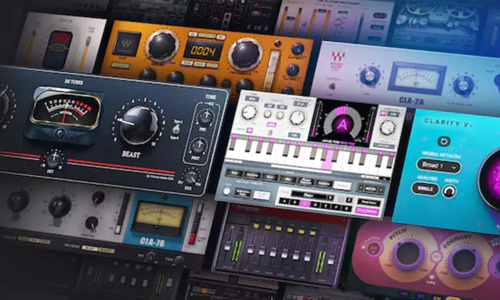
Waves Audio Support
Independent Waves Audio Expert Help for Producers & Engineers
Waves Audio Support
Independent Expert Help for Plug-In and Licence Issues
Waves plug-ins are studio essentials for countless producers and engineers — but version conflicts, authorisation problems or plug-ins suddenly disappearing from your DAW can bring your sessions to a halt.

I’m Paul Andrews from Audio Support, an independent Waves Audio specialist helping musicians, producers and studios troubleshoot complex plug-in and installation issues remotely.
While Waves Central and official support can assist with account and licence questions, I go further — diagnosing the full system environment that affects performance and compatibility. From installer versions to macOS updates, plug-in folder paths and DAW integration, I make sure your Waves plug-ins load reliably every time.
Whether you’re using Mac or PC, Logic Pro, Cubase, Ableton Live or Pro Tools, I’ll help you repair missing plug-ins, fix licence recognition errors, and restore stability to your projects.
Audio Support is an independent service for Waves Audio users and is not affiliated with Waves Audio Ltd.
Recent Problems Solved
Real client’s stories from the case study archive
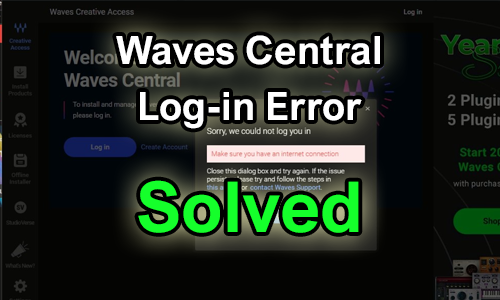
Waves Central PC Login Issue Solved: Default Browser Not Set
16 January 2025
Client’s Question
I need help with Waves Central 15.3.2. It won’t log me in and I don’t know why.
Session Result
The login issue was resolved by identifying that the PC had no default browser assigned for web links, which is necessary for Waves Central’s browser-based login. Setting Chrome as the default application immediately allowed the user to log in.
Read Full Case Study Report: Waves Central PC Login Issue Solved: Default Browser Not Set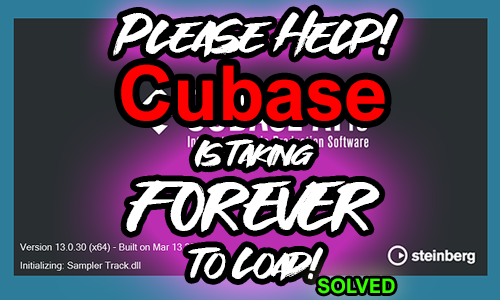
Client’s Question
Why is Cubase 13 freezing and taking 10 minutes to load, and why are some of my plug-ins missing once it finally loads?
Session Result
The slow loading and missing plug-ins were caused by an incompatibility between Waves V13 licenses/Waveshells and Cubase 13. The problem was resolved by advising the client to update the licenses to the latest version (V15) through Waves Central, which restored the plug-in functionality and normal loading speed.
Read Full Case Study Report: Cubase Slow Loading & Freezing Solved: Waves V13 License Conflict with Cubase 13Recent Reviews
Let’s Get Your System Running Smoothly.
No automated tickets, no waiting queues — just one-to-one help from an experienced music technology specialist. I’ll connect to your system remotely, identify the issue, and guide you through the fix.
