
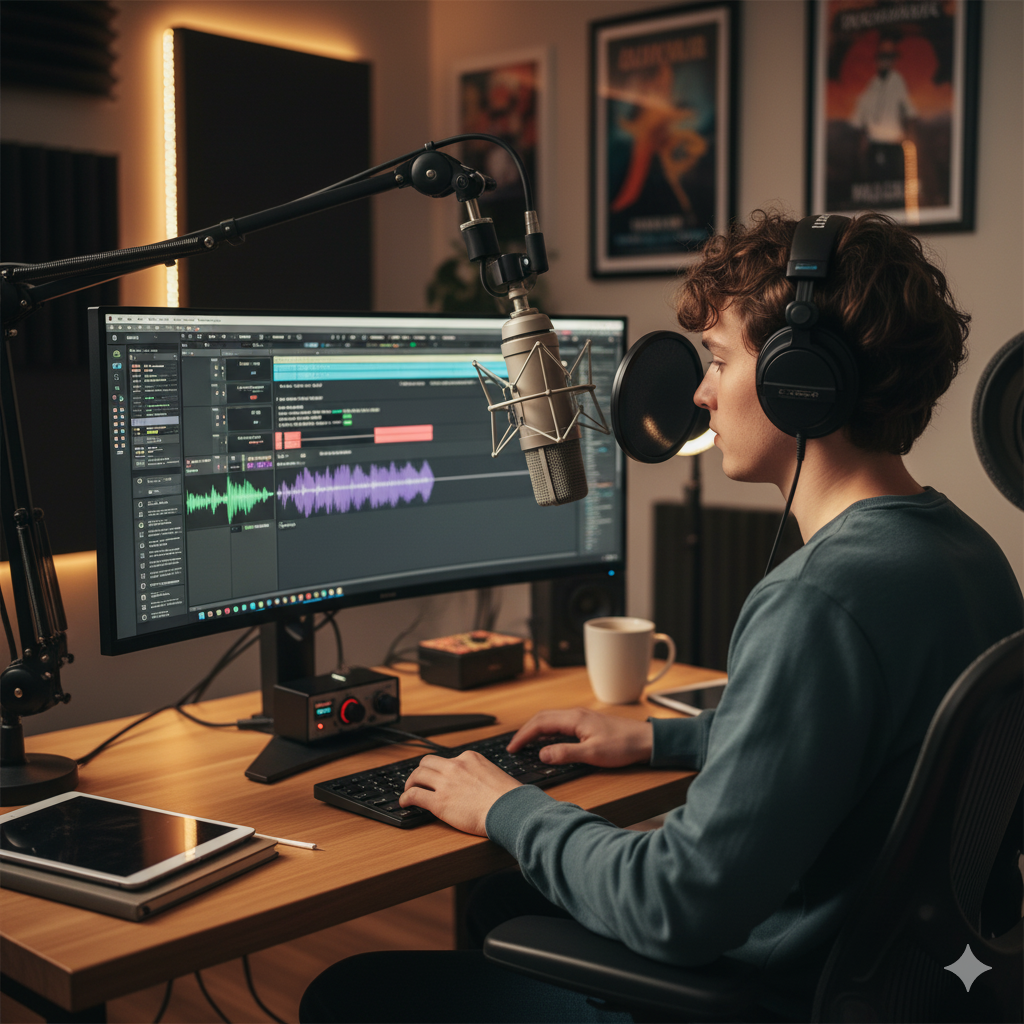
Audio Support for Podcasters
Independent Studio Setup and Recording Support for Voice Creators
Audio Support for Podcasters
Independent Studio Setup and Recording Support for Voice Creators
A great podcast depends on clear, reliable sound — but getting that quality consistently can be tricky. From microphone setup and interface gain levels to software routing and remote guest recording, there’s a lot that can go wrong before you even hit record.

Audio Support helps podcasters of all experience levels achieve professional results at home. Founded by Paul Andrews, a technician and educator with over 15 years’ experience in music and broadcast technology, the service provides one-to-one remote sessions focused on clarity, confidence, and control.
Whether you use Logic, Audacity, Reaper, or Adobe Audition, Audio Support can help you remove noise, fix routing issues, and set up reliable systems for solo or multi-guest recording. Every session is practical, clear, and designed to leave you in control of your setup.
Audio Support is an independent service and is not affiliated with Apple, Adobe, or any other manufacturer.
Recent Problems Solved
Real client’s stories from the case study archive
Client’s Question
How do I eliminate recording noise, find the best mic position, and apply sound processing for voiceover?
Session Result
All questions were answered, and the client achieved clean, noise-free recordings after disabling the Focusrite’s Auto-Gain feature, adjusting microphone height, and creating an efficient, repeatable processing chain.
Read Full Case Study Report: Optimizing Voiceover Recording: Fixing Noise and Setting Gain on Focusrite ScarlettFocusrite Scarlett Setup for Voice Actor: Getting Clean Recordings with Audacity on Mac
15 August 2024
Client’s Question
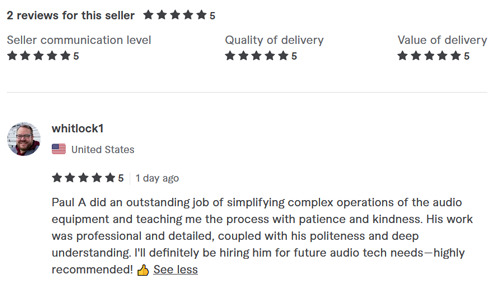
How do I connect my gear, set the gain level on my Focusrite Scarlett, and make clean recordings in Audacity?
Session Result
The system was successfully configured from end-to-end, establishing clean recording levels and a professional Audacity workflow, while identifying the need for a headphone amplifier to fix quiet monitoring.
Read Full Case Study Report: Focusrite Scarlett Setup for Voice Actor: Getting Clean Recordings with Audacity on Mac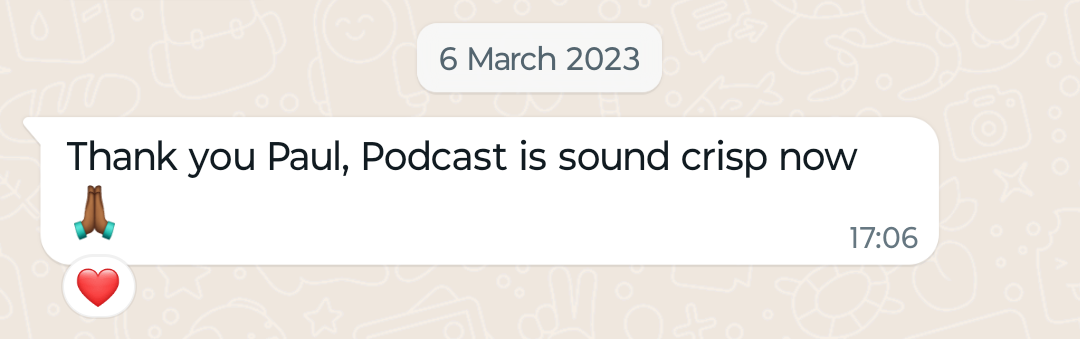
Client’s Question
Session Result
Read Full Case Study Report: Visit to podcast studio in East London to help with noise problemsRecent Reviews
Let’s Get Your System Running Smoothly.
No automated tickets, no waiting queues — just one-to-one help from an experienced music technology specialist. I’ll connect to your system remotely, identify the issue, and guide you through the fix.
