CASE ID: #8304 RESOLVED
LOG DATE: MAR 2025

Pro Tools M2 Mac Crashes: Plug-in Incompatibility and Rosetta Advice for Stability

Panic Index FRUSTRATED
Technical Depth COMPATIBILITY

Target Environment

macOS (Apple Silicon) + Pro Tools

Reported Symptom

“Frequent, unpredictable application crashes over several months.”

Consultant’s Assessment

Root Cause / Concept Multiple outdated/incompatible AAX plug-ins (Melodyne, Waves) conflicting with the Apple M2 architecture via the Rosetta 2 emulation layer.
Outcome Client educated on Apple Silicon compatibility. Provided clear action plan for plug-in updates and management.
Intervention Risk
MODERATE

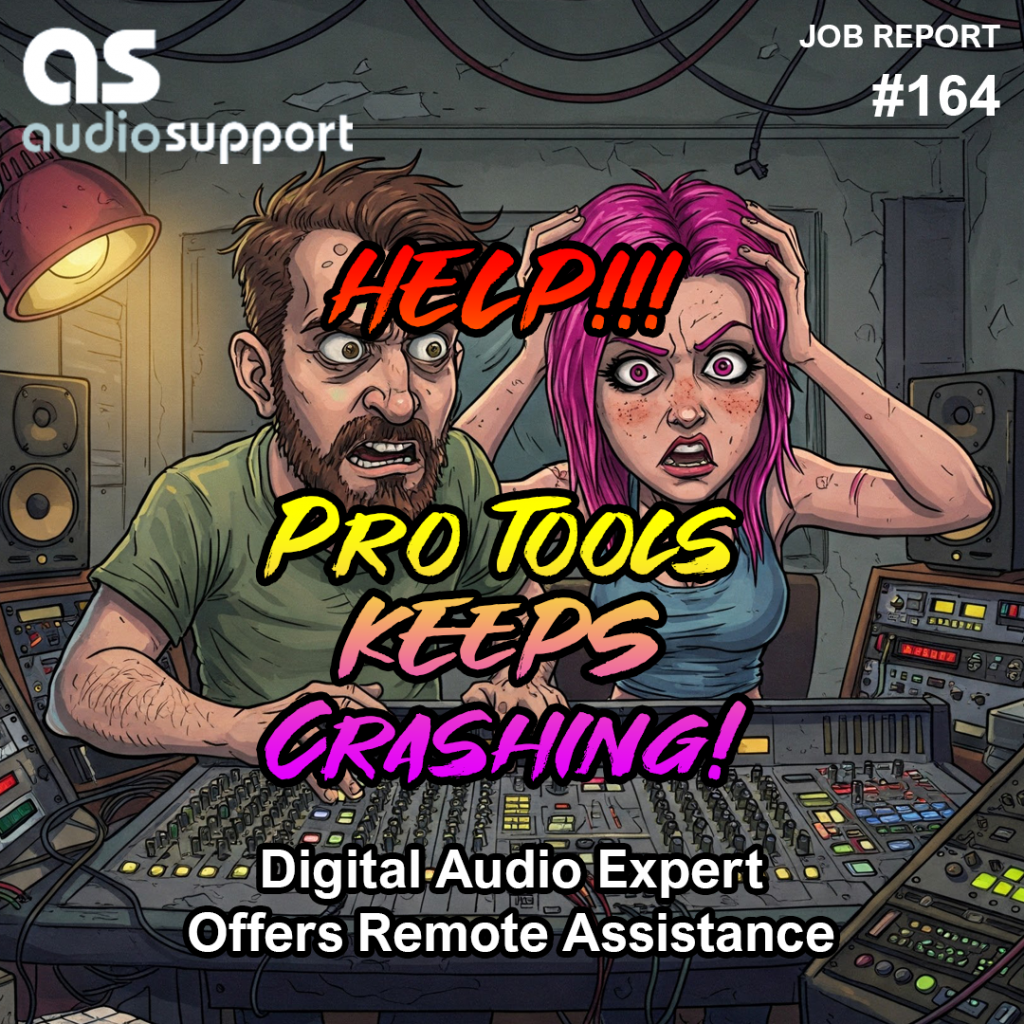
Hi Paul. Getting in touch as we need some help with our Pro Tools rig. Been getting a lot of crashes over the last few months and need some support to get to the bottom of it. 

I received the above message from a new client and we arranged to connect for a remote support session later that week.

Problem

Crashes in Pro Tools on an M2 Mac. Client running a large number of plug-ins.

Solution

I spent an hour remotely connected to my client’s Mac, looking at their set-up and advising on likely cause of crashes.

I offered advice regarding:

  • Use of Rosetta and compatibility with M2 Mac/Pro Tools and plug-ins
  • Why Melodyne might be causing crashes and how to set Melodyne’s preferences to work around the issue
  • Why certain Waves plug-ins might be causing crashes and how to update
  • How Pro Tools plug-ins are organised on a Mac and how to tidy the plug-ins folder
  • How to remove any out of date or unlicensed plug-ins

Conclusion

By the end of the hour’s remote support session, my client had a much better understanding of the likely causes of crashes in their Pro Tools setup. I typed a quick document with notes on what we had discussed and the next steps for them to take. We made a plan to connect again for a follow-up session after they had implemented my advice.
Categories: , , , , ,

No automated tickets, no waiting queues — just one-to-one help from an experienced music technology specialist. I’ll connect to your system remotely, identify the issue, and guide you through the fix.

Recent problems solved for real clients.

Client’s Question

How do I move my Ableton User Library out of OneDrive?

Session Result

Ableton library relocated, OneDrive space recovered.

Read Full Case Study Report: Fixing the Ableton OneDrive Conflict on Windows 11
Case Study: Pro Tools 2025.12 Crash & The OneDrive Phantom Folder

Client’s Question

Why is Pro Tools crashing on Windows 11 when the splash screen reaches “Initializing MIDI Engine”?

Session Result

Resolved by reinstalling OneDrive, properly disabling folder backup to restore local paths, and then safely removing the cloud service.

Read Full Case Study Report: Case Study: Pro Tools 2025.12 Crash & The OneDrive Phantom Folder
Case Study: Logic Pro Freezing During Audio Unit Scan (Halo 2 / DH Plugins)

Client’s Question

Why is Logic Pro 11.1.2 freezing after I installed the Halo 2 plug-in?

Session Result

The “Beast Mode” expansion pack of Halo2 was uninstalled. This restored the functionality of the base Halo 2 plugin and allowed Logic Pro to open and operate without crashing

Read Full Case Study Report: Case Study: Logic Pro Freezing During Audio Unit Scan (Halo 2 / DH Plugins)
Optimising Logic Pro CPU Usage for Large Orchestral Mixes

Client’s Question

Why does Logic Pro keep crashing when I add plugins to my tracks?

Session Result

CPU load drastically reduced; mix workflow stabilised via bus routing.

Read Full Case Study Report: Optimising Logic Pro CPU Usage for Large Orchestral Mixes