
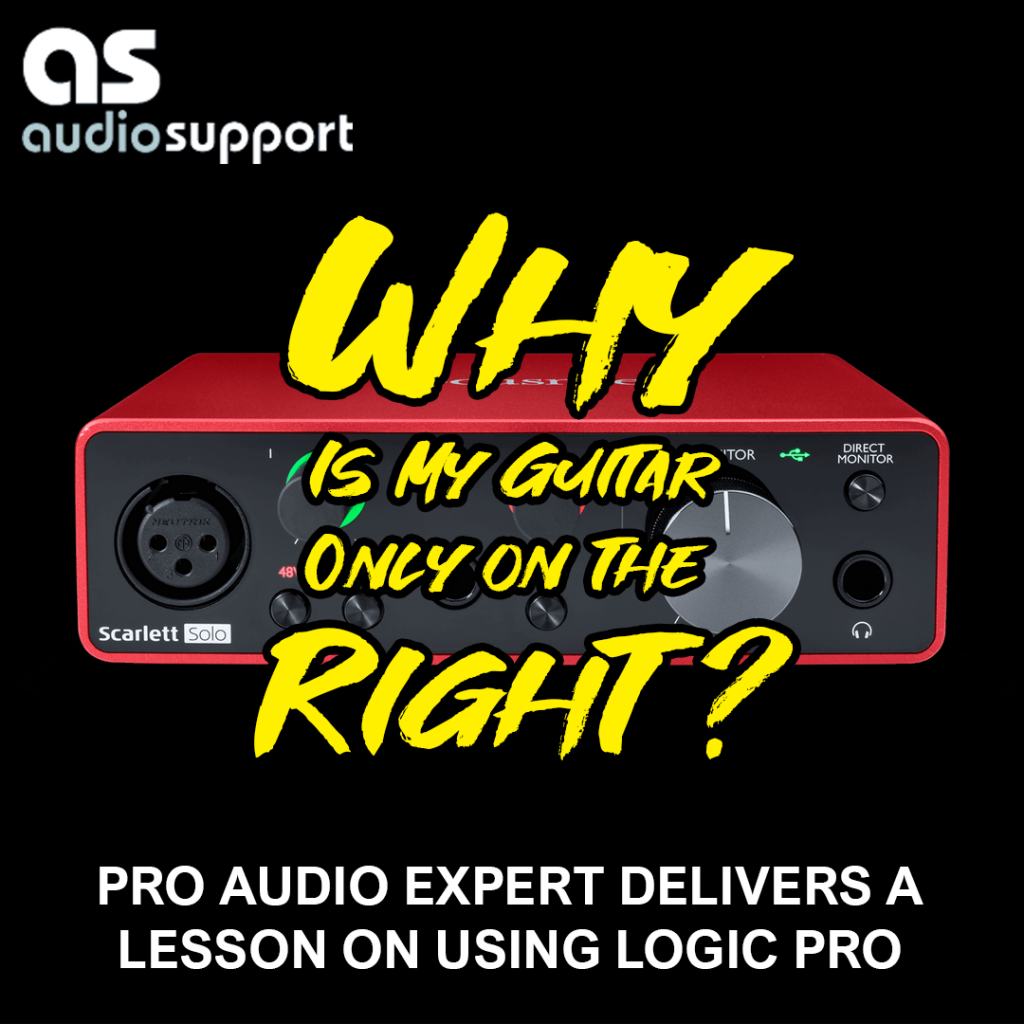
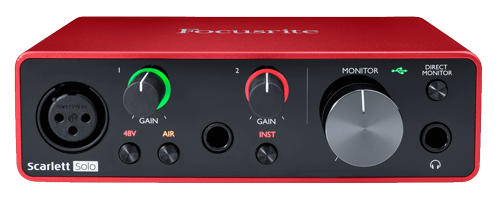
A client recently reached out for a one-on-one Logic Pro session. As an experienced guitarist, he had just invested in a new Mac Studio and a Focusrite Scarlett Solo audio interface to start recording his music. Despite his passion and a brand-new setup, he was stuck—unable to get a clean, workable recording. His frustration was compounded by a seemingly simple but persistent problem: his guitar recordings were only playing back through the right-hand speaker.
The Problem
The client’s immediate issue was a common one for new users of digital audio workstations (DAWs): a mono vs. stereo input configuration. He had his Scarlett Solo’s input set to a stereo input in Logic Pro, which resulted in the mono signal from his guitar only being routed to one side of the stereo field. This simple oversight was preventing him from enjoying his new setup and making it difficult to proceed with his creative work.
The Solution
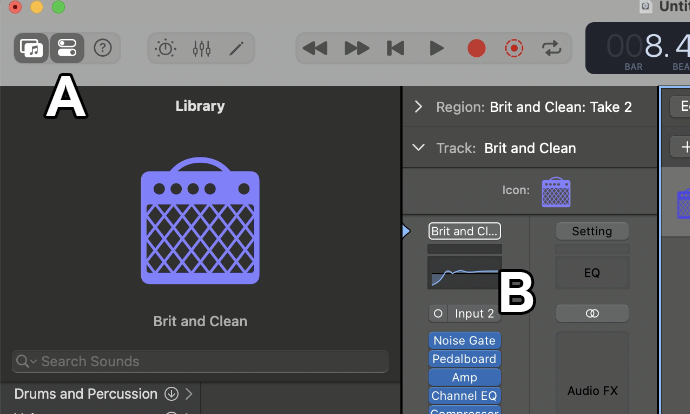
After quickly diagnosing the problem, we adjusted the input setting in Logic Pro from stereo to mono. Turning on the Inspector View (A) allowed us to change the input to Input 2 (B). This immediate fix solved the audio playback issue, allowing his guitar to be heard through both speakers.
With his primary frustration resolved, we used the remainder of our session to provide a comprehensive, remote tutorial on recording electric guitar in Logic Pro. We covered a range of key topics to empower him with the skills he needed:
- Logic Pro Setup: We walked through how to create a new guitar track, ensuring the input was correctly linked to his Scarlett Solo.
- Optimal Gain Staging: I showed him how to set the ideal gain level on his Scarlett Solo and recommended engaging the “Instrument” button. This crucial step activates the high-impedance (Hi-Z) mode, which is essential for recording electric guitars and ensures a high-quality signal.
- Multi-Track Recording: We recorded some rhythm chords, and then I demonstrated how to overdub a lead part on a second track, showing him how to build a song layer by layer.
- Virtual Drummer: To provide a solid foundation for his guitar parts, we introduced Logic’s virtual drummer feature. I showed him how to select different drumming styles and use the “Complexity” and “Intensity” controls to create dynamic parts for verses and choruses.
- Expanding the Setup: The session concluded with a discussion about future possibilities, specifically how he could connect his Roland keyboard to Logic Pro. We talked about the correct USB and MIDI cables to order and how to record his keyboard as both a rich audio track and a flexible MIDI software instrument.
The Outcome
By the end of the session, the client was no longer just a frustrated guitarist with new gear—he was an empowered home studio artist. He now had a perfectly working system, a new understanding of Logic Pro, and a clear path forward for recording his songs. He was confident in his ability to record his guitars and unlock the full potential of his home studio.
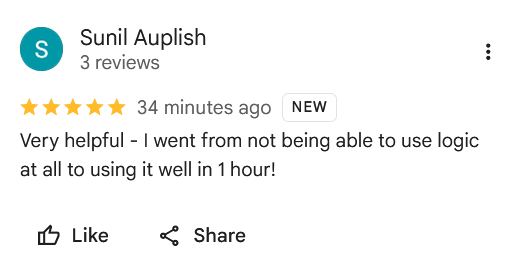
The client was so pleased that he left a fantastic review: “Very helpful – I went from not being able to use logic at all to using it well in 1 hour!”
Recent Reviews
Let’s Get Your System Running Smoothly.
No automated tickets, no waiting queues — just one-to-one help from an experienced music technology specialist. I’ll connect to your system remotely, identify the issue, and guide you through the fix.
