
Vintage Music Technology
Paul Andrews of Audio Support is a UK-based music technology expert. He is experienced in the installation, configuration, or repair of any vintage music equipment.
Installations
Connectivity
- MIDI and audio cabling
- Designing and building patchbay setups
- Eliminating noise and hum in studios
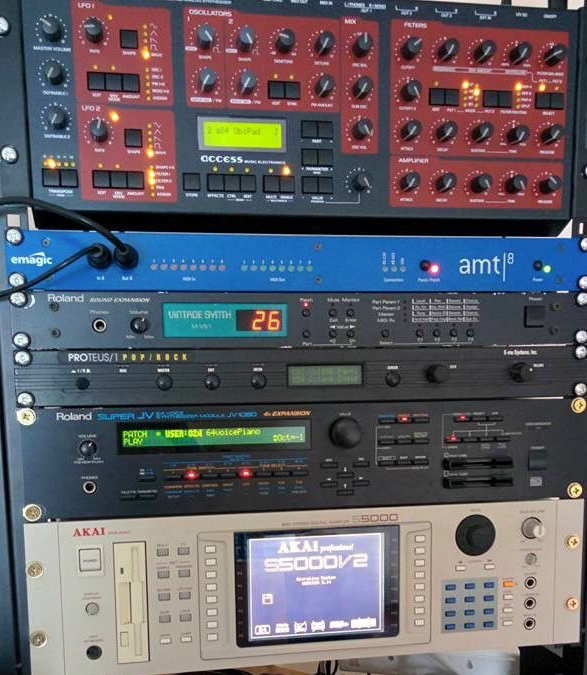
Equipment Configuration
- Editing MIDI settings to connect two devices
- Editing patches to create custom sounds
- Restoring patches from back-ups
- Installing and troubleshooting PC/Mac editor software.
DAW Configuration
Logic Pro
- Setting up an external hardware instrument in Logic Pro
- Setting up effects boxes as I/O devices in Logic Pro
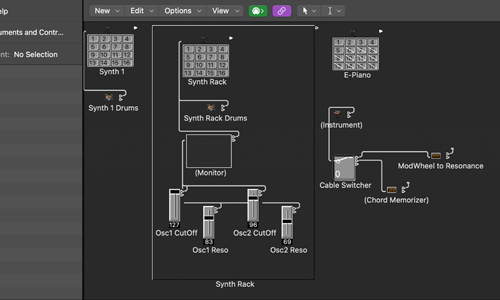
- Routing MIDI in Logic Pro’s environment
- Using Logic Pro to transfer sysex data
- Restoring old and broken Logic Pro project files
Cubase
- Setting up External Effects in Cubase
- MIDI Device setup in Cubase
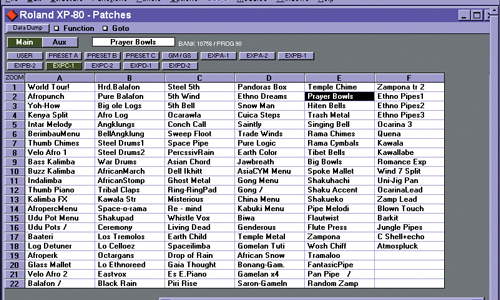
- Installing and editing MIDI Patch Scripts in Cubase
- Restoring old and broken CPR files
- Using Cubase to manage sysex data
Pro Tools
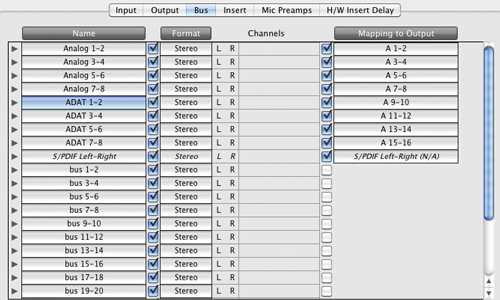
- Configuring Pro Tools I/O Matrix
- Installing MIDI patch scripts in Pro Tools
- Restoring old and broken Pro Tools PTF files
- Using Pro Tools to manage sysex data
Universal Audio
Connecting and configuring external equipment in UAD Console
Repairs
- Replacing capacitors
- Replacing internal batteries
- Repairing LED screens
- Repairing loose and broken MIDI sockets
- Repairing loose and broken jack or xlr sockets
- Repairing type-A or B USB sockets
- Repairing broken buttons
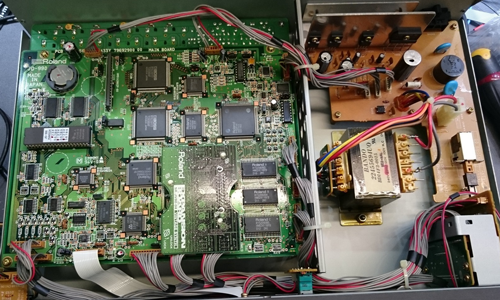
For most physical repairs, Audio Support works in partnership with our friends at the Logarhythm workshop in North London.
Recent Problems Solved
Real client’s stories from the case study archive
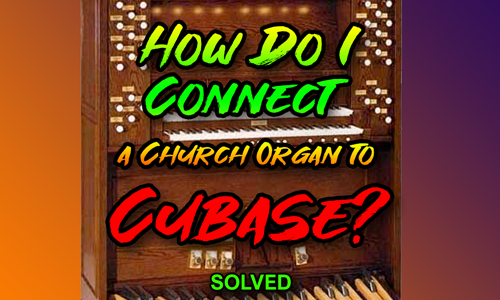
Separating 3-Channel Organ MIDI for Cubase Scoring: Using the MIDI Dissolve Function
30 September 2025
Client’s Question
How do I separate my Viscount organ’s 3-channel MIDI data to create a score in Cubase?
Session Result
Cubase’s Dissolve by Channel function successfully separated the multi-channel organ MIDI, creating three distinct, notation-ready tracks for scoring.
Read Full Case Study Report: Separating 3-Channel Organ MIDI for Cubase Scoring: Using the MIDI Dissolve Function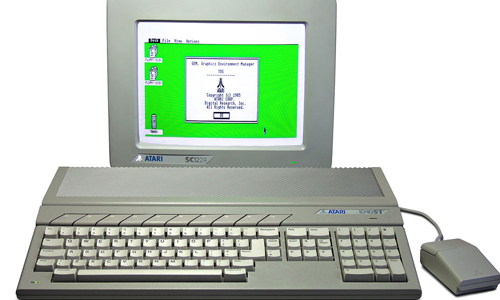
Client’s Question
How can I transfer my old MIDI song files from my 1985 Atari ST sequencer into my modern Cubase DAW?
Session Result
The MIDI files were successfully recorded into Cubase by connecting the Atari’s MIDI OUT to the audio interface and manually triggering the recording. The stable MIDI clock allowed for clean transfer, and Cubase’s MIDI Dissolve feature was used to separate the tracks.
Read Full Case Study Report: Atari ST MIDI Transfer: Moving Classic Sequencer Data into Cubase DAW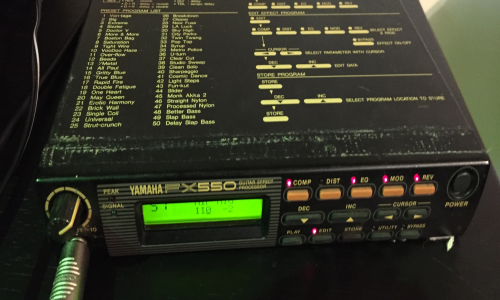
Client’s Question
Session Result
Read Full Case Study Report: Diagnosing issues with noise in vintage effects boxesRecent Reviews
Let’s Get Your System Running Smoothly.
No automated tickets, no waiting queues — just one-to-one help from an experienced music technology specialist. I’ll connect to your system remotely, identify the issue, and guide you through the fix.
Related Case Studies

Equipment Supported
Roland
- Juno-6
- SH-101
- Juno-60
- JX-3P
- Juno-106
- MKS-30
- MKS-80
- JX-8P
- MKS-7
- JX-10
- MKS-70
- MKS-50
- D-50
- D-550
- D-10
- D-110
- D-20
- U-110
- U-20
- D-5
- U-220
- D-70
- JD-800
- JX-1
- JV-80
- JV-30
- JV-880
- JW-50
- JV-1000
- JV-35
- JV-90
- JV-50
- W-50
- JD-990
- JV-1080
- XP-50
- XP-10
- XP-80
- JP-8000
- JV-2080
- XP-60
- JX-305
- JP-8080
- XP-30
- JV-1010
Korg
Yamaha
E-MU
AKAI
Arturia
Novation
Waldorf
Nord