
AKAI Support
Independent Expert Help for MPC, MPK & APC Series
Akai Support
Independent Help for Hardware & Controller Users
Akai’s legendary hardware—from MPC grooveboxes to MPK and APC controllers—bridges performance and production. But when MIDI mapping, firmware, or software integration fails, creativity hits a wall.

I’m Paul from Audio Support. I provide remote troubleshooting for Akai hardware and software, including MPC, MPK, APC, and Force. Whether your system is misconfigured, not syncing properly, or failing to communicate with your DAW, I’ll get everything talking again.
Akai’s official resources can assist with registration and downloads—but I go further: hands-on remote diagnosis, ensuring your controller or workstation runs perfectly with your setup. From MIDI routing and pad calibration to plugin integration and driver management, I look at your entire system so it performs as intended.
Audio Support is an independent service for Akai users and is not affiliated with Akai Professional or inMusic Brands.
Recent Problems Solved
Real client’s stories from the case study archive
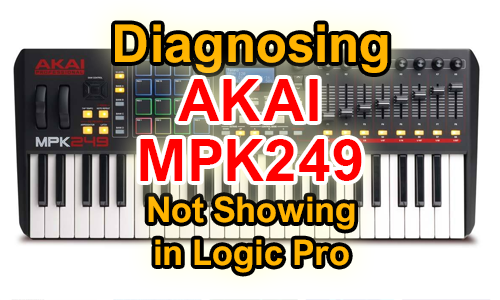
Why an AKAI MPK249 Might Not be Recognised by OSX
29 November 2024
Client’s Question
Why isn’t Logic Pro recognising the AKAI MPK249 MIDI keyboard on my Mac?
Session Result
Insufficient USB power diagnosed, a powered USB hub recommended and full MIDI connectivity restored.
Read Full Case Study Report: Why an AKAI MPK249 Might Not be Recognised by OSXDiagnosing an Akai MPD218 MIDI Glitch: The Pitfall of Budget Pad Controllers and Incorrect CC Data
8 August 2024

Client’s Question
Why won’t Beat Maker 3’s Auto Learn feature correctly map my Akai MPD218 pads?
Session Result
Faulty budget controller identified via CC data analysis, leading to a decision to invest in a reliable, professional-grade unit.
Read Full Case Study Report: Diagnosing an Akai MPD218 MIDI Glitch: The Pitfall of Budget Pad Controllers and Incorrect CC Data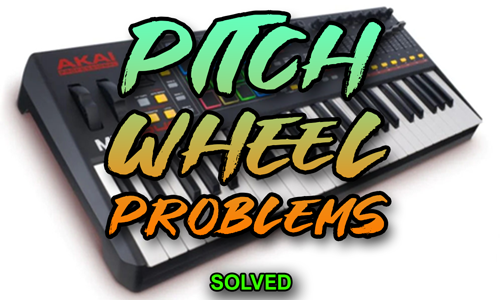
Client’s Question
My Akai MPK249 pitch wheel isn’t working—why isn’t Logic receiving the MIDI data?
Session Result
MIDI channel mismatch identified and corrected on the MPK249, restoring pitch wheel functionality.
Read Full Case Study Report: Fixing the AKAI MPK249 Pitch Wheel When It Sends MIDI on the Wrong ChannelRecent Reviews
Let’s Get Your System Running Smoothly.
No automated tickets, no waiting queues — just one-to-one help from an experienced music technology specialist. I’ll connect to your system remotely, identify the issue, and guide you through the fix.
