
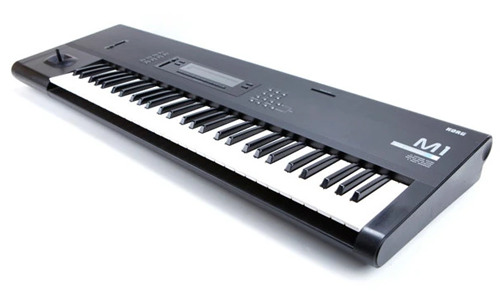
Korg Support
Independent Expert Help for Synths, Keyboards & MIDI Controllers
Korg Support
Independent Help for Korg Instruments & Studio Hardware
Korg synths and controllers are legendary — from the Kronos and Nautilus to the Minilogue, MicroKorg, Volca series, and nano controllers. But firmware updates, USB driver issues, or DAW integration problems can quickly interrupt your creative flow.
I’m Paul Andrews from Audio Support, an independent Korg specialist helping musicians, producers, and educators fix Korg hardware and software issues remotely. Whether you’re struggling to connect your keyboard to your DAW, configuring Korg USB-MIDI drivers, or syncing hardware via MIDI or USB, I’ll get your setup running smoothly again.
While Korg’s official support focuses on warranty and product documentation, I go further — diagnosing your entire system. From MIDI routing and driver setup to DAW integration and library management, I ensure your gear, software, and computer work together perfectly.
Audio Support is an independent service for Korg users and is not affiliated with Korg Inc.
Recent Problems Solved
Real client’s stories from the case study archive
Preparing for a Studio Hardware Installation
14 December 2025

Client’s Question
What cables do I need to connect my hardware synths to my mixer?
Session Result
Equipment audited, cable inventory confirmed, site visit planned.
Read Full Case Study Report: Preparing for a Studio Hardware InstallationMicroKorg MIDI Sync and Setup Issues in Logic Pro
20 November 2025
Client’s Question
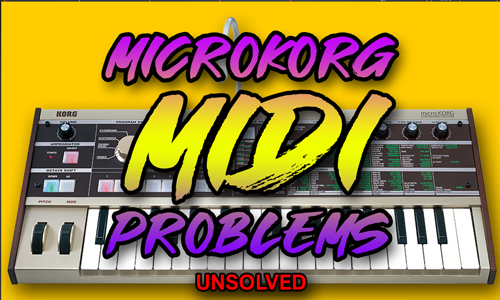
MicroKorg arpeggiator not syncing to Logic Pro tempo
Session Result
Diagnosis confirmed potential hardware or cable fault; alternative routing proposed.
Read Full Case Study Report: MicroKorg MIDI Sync and Setup Issues in Logic ProKorg Kronos Audio Routing Fixed in Logic Pro
11 November 2025

Client’s Question
Why can’t I hear my Korg Kronos 2 in Logic Pro?
Session Result
External synth located, audio signal successfully recorded.
Read Full Case Study Report: Korg Kronos Audio Routing Fixed in Logic ProRecent Reviews
Let’s Get Your System Running Smoothly.
No automated tickets, no waiting queues — just one-to-one help from an experienced music technology specialist. I’ll connect to your system remotely, identify the issue, and guide you through the fix.
