
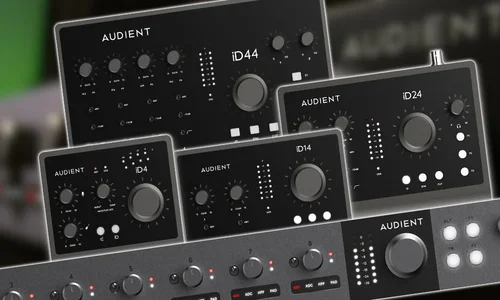
Audient Support
Independent Help for Audient iD and EVO Interface Users
Audient Support
Independent Help for Audient iD and EVO Interface Users
Audient interfaces are known for their clean sound and solid design, but installation, driver, or routing problems can still cause frustration.
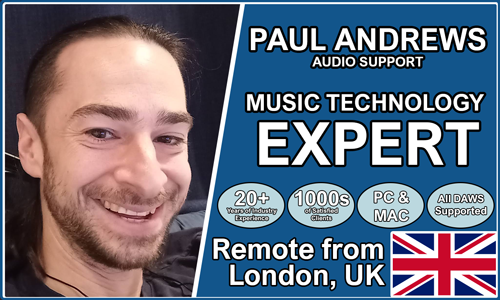
Audio Support provides one-to-one technical help for Audient users who want reliable recording and playback performance. Founded by Paul Andrews, a technician and educator with over 20 years’ experience in audio support, the service helps with setup, firmware updates, DAW integration, and latency optimisation.
Audio Support is an independent service and is not affiliated with Audient Ltd. or any other manufacturer.
Recent Problems Solved
Real client’s stories from the case study archive
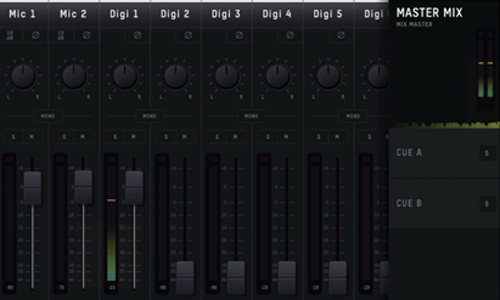
Resolving Digital Distortion: Sample Rate Mismatch Fixed with Audient iD24 and Logic Pro
12 February 2024
Client’s Question
Why am I getting digital distortion when recording with my new Audient iD24 and ASP800?
Session Result
Sample rate consistency established between the iD24 and ASP800, instantly eliminating digital glitches and distortion.
Read Full Case Study Report: Resolving Digital Distortion: Sample Rate Mismatch Fixed with Audient iD24 and Logic ProRecent Reviews
Let’s Get Your System Running Smoothly.
No automated tickets, no waiting queues — just one-to-one help from an experienced music technology specialist. I’ll connect to your system remotely, identify the issue, and guide you through the fix.
