Skip to content
izotope-support

iZotope Support

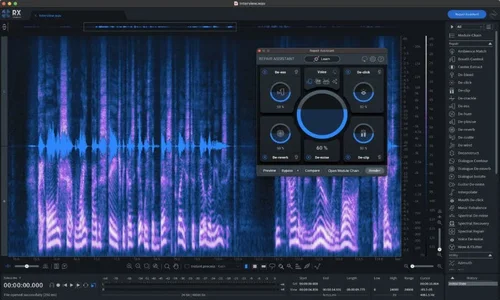
iZotope tools are powerful for repair, mixing, and mastering — but complex integrations and authorisation systems can slow you down.
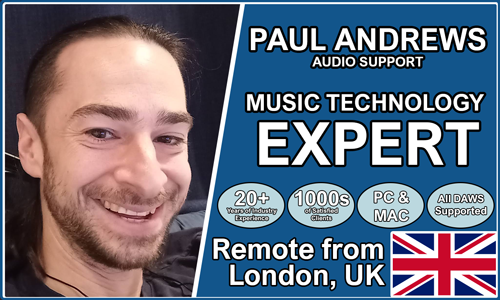
Paul Andrews is a provider of expert music technology support

Audio Support provides expert remote help for iZotope users, offering fast diagnosis and clear explanations for RX, Ozone, Neutron, and other products. Founded by Paul Andrews, with over 20 years’ experience in music technology, Audio Support ensures your iZotope plugins work seamlessly across your DAW.

Audio Support is an independent service and is not affiliated with iZotope Inc.

No automated tickets, no waiting queues — just one-to-one help from an experienced music technology specialist. I’ll connect to your system remotely, identify the issue, and guide you through the fix.

Recent problems solved for real clients.

Preparing for a Studio Hardware Installation

Client’s Question

What cables do I need to connect my hardware synths to my mixer?

Session Result

Equipment audited, cable inventory confirmed, site visit planned.

Read Full Case Study Report: Preparing for a Studio Hardware Installation
Mono Microphone Only in Left Speaker Fix in Logic Pro

Client’s Question

Why is my mono mic input only coming out of the left speaker in Logic Pro?

Session Result

Mono input successfully centred by changing Logic Pro track format from Stereo to Mono.

Read Full Case Study Report: Mono Microphone Only in Left Speaker Fix in Logic Pro
Managing Native Instruments Komplete Libraries in Kontakt

Client’s Question

How do I hide unwanted libraries in the Kontakt side pane?

Session Result

Unused libraries hidden, visual clutter removed.

Read Full Case Study Report: Managing Native Instruments Komplete Libraries in Kontakt
Using Professional Studio Microphones with WhatsApp

Client’s Question

How do I use my Focusrite interface and XLR mic with WhatsApp?

Session Result

WhatsApp Desktop app configured to route audio through Focusrite interface.

Read Full Case Study Report: Using Professional Studio Microphones with WhatsApp