
Reaper Support
Independent Help for Reaper DAW Users
Reaper Support
Independent Help for Reaper DAW Users
Reaper is renowned for its flexibility, customisation, and incredible efficiency — but that power can also lead to confusion when things don’t work as expected. Routing issues, MIDI problems, or complex plugin chains can easily get in the way of creativity.
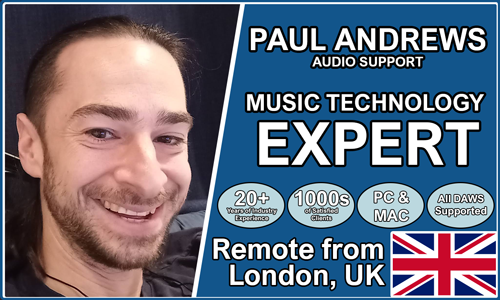
Audio Support provides expert one-to-one help for Reaper users who need clarity and reliability. Founded by Paul Andrews, a technician and educator with over 20 years’ experience in music technology, the service offers remote troubleshooting and workflow optimisation tailored to your system.
Sessions can include audio routing setup, interface configuration, performance tuning, or plugin troubleshooting — with a clear focus on making your Reaper environment simple, stable, and fast.
Audio Support is an independent service and is not affiliated with Cockos Incorporated or any other manufacturer.
Recent Problems Solved
Real client’s stories from the case study archive
Fix for Reaper VST Plugin Missing in Projects | Audio Support
26 February 2026
Client’s Question
Why is my VST plugin missing in Reaper when the project needs it?
Session Result
Miroslav Philharmonik VST2 found; Reaper project restored.
Read Full Case Study Report: Fix for Reaper VST Plugin Missing in Projects | Audio SupportReaper Toontrack Plugins Missing? A Quick Fix Guide
26 February 2026
Client’s Question
Why are my Toontrack plugins missing in Reaper?
Session Result
Toontrack plugins restored and project loading correctly in Reaper.
Read Full Case Study Report: Reaper Toontrack Plugins Missing? A Quick Fix GuideFixing Reaper Missing Files Errors After Moving Projects
26 February 2026
Client’s Question
Reaper missing audio files after moving my project folder?
Session Result
Reaper project files relinked, robust backup strategy implemented.
Read Full Case Study Report: Fixing Reaper Missing Files Errors After Moving ProjectsRecent Reviews
Let’s Get Your System Running Smoothly.
No automated tickets, no waiting queues — just one-to-one help from an experienced music technology specialist. I’ll connect to your system remotely, identify the issue, and guide you through the fix.
