
Hi Paul. I’m having problems setting up my Morningstar MC6 Pro MIDI controller with Ableton Live. Can we connect remotely and maybe you can help me figure out what I’m doing wrong? Mike
I received the above message from Mike and we arranged a time to connect for a remote support session. Once we were connected via WhatsApp voice-chat and AnyDesk screen-sharing, Mike showed me his setup and explained what he wanted to achieve.
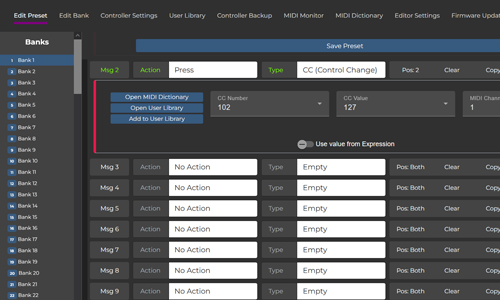
This was my first time working with any products from Morningstar, but I was impressed with the MC6Pro’s functionality. I found the browser-based editor software easy to operate and the ability to programme a MIDI controller to transmit both MIDI messages and QWERTY keystrokes a very useful function.
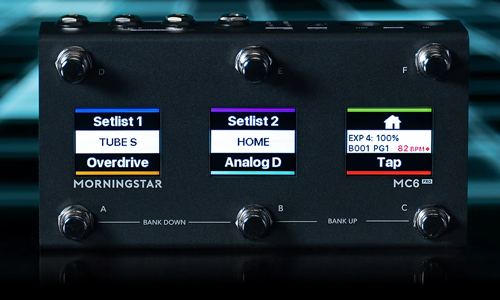
Mike and I spent our hour’s remote support session:
- Configuring the settings on the editor software to connect to Mike’s equipment
- Creating example patches on the MC6Pro and testing their interaction with Ableton Live
- Working out how to save patches and navigate between them using the foot switches on the MC6Pro
- Making sure Mike understood the process and was able to use the equipment on his own after the session.
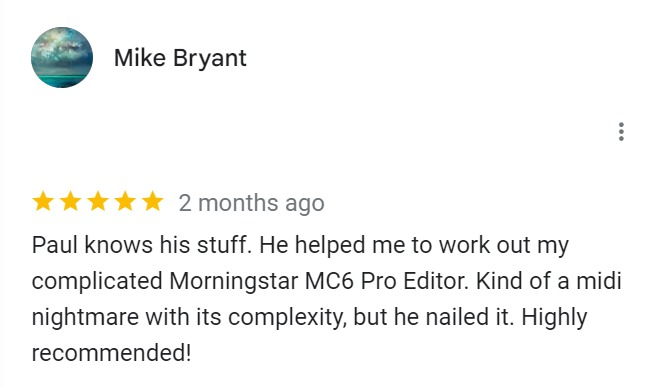
At the end of the session Mike was happy that he was able to use his new MIDI controller properly and left me this nice review:
Recent Reviews
Let’s Get Your System Running Smoothly.
No automated tickets, no waiting queues — just one-to-one help from an experienced music technology specialist. I’ll connect to your system remotely, identify the issue, and guide you through the fix.
