
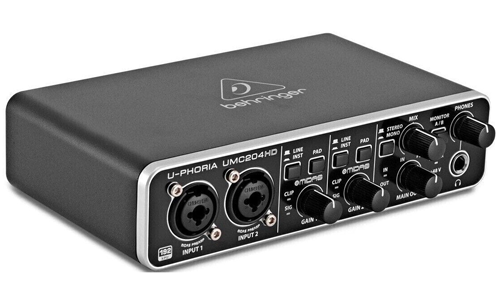
Behringer Support
Independent Expert Help for Interfaces, Mixers & Controllers
Behringer Support
Independent Help for Audio Interfaces & Studio Hardware
Behringer gear is affordable and powerful — but setting it up to run smoothly with your DAW can sometimes be a challenge. From UMC interfaces to X-Series digital mixers and MIDI controllers, configuration issues can stop your workflow cold.

I’m Paul from Audio Support, and I offer remote one-to-one troubleshooting for Behringer hardware and software. Whether you’re dealing with driver conflicts, routing problems, latency, or audio dropouts, I’ll help you get clear, stable sound back through your system.
I go beyond factory reset instructions or download links — providing hands-on diagnosis of your whole setup: DAW I/O settings, USB and ASIO drivers, buffer optimization, mixer routing, and firmware configuration. The goal is simple: your Behringer device working reliably every time you hit record.
Audio Support is an independent service for Behringer users and is not affiliated with Music Tribe or Behringer GmbH.
Recent Problems Solved
Real client’s stories from the case study archive
Microphone Not Recording in Audacity? A Quick Fix Guide
18 February 2026
Client’s Question
Why is my new microphone not recording any sound?
Session Result
Phantom power enabled, microphone recording successfully.
Read Full Case Study Report: Microphone Not Recording in Audacity? A Quick Fix Guide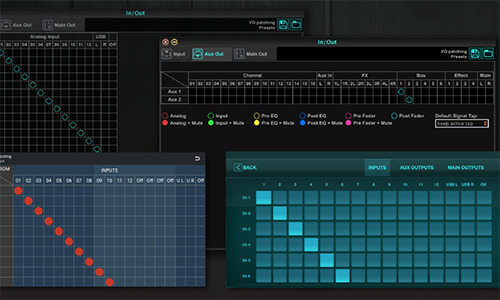
Client’s Question
Why don’t the faders and mutes on my Behringer X-Air aux outputs work?
Session Result
Aux send tap configuration corrected from pre-fader to post-fader, immediately restoring master fader and mute control.
Read Full Case Study Report: Behringer X-Air Fader Bypass: Solving the Pre-Fader Aux Send Routing IssueBehringer Odyssey Low Signal: The Phase Reversal Fix from Using a TRS (Balanced) Cable
10 August 2023
Client’s Question
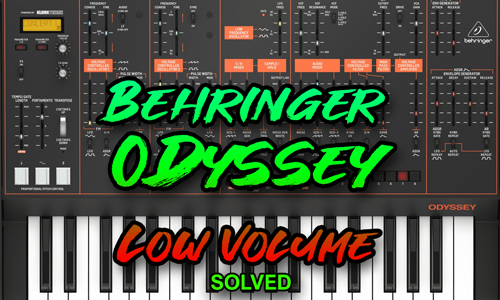
Why is my Behringer Odyssey producing a very low signal into my audio interface?
Session Result
Balanced TRS cable replaced with an unbalanced TS cable, resolving phase cancellation and restoring full signal volume.
Read Full Case Study Report: Behringer Odyssey Low Signal: The Phase Reversal Fix from Using a TRS (Balanced) CableRecent Reviews
Let’s Get Your System Running Smoothly.
No automated tickets, no waiting queues — just one-to-one help from an experienced music technology specialist. I’ll connect to your system remotely, identify the issue, and guide you through the fix.
