
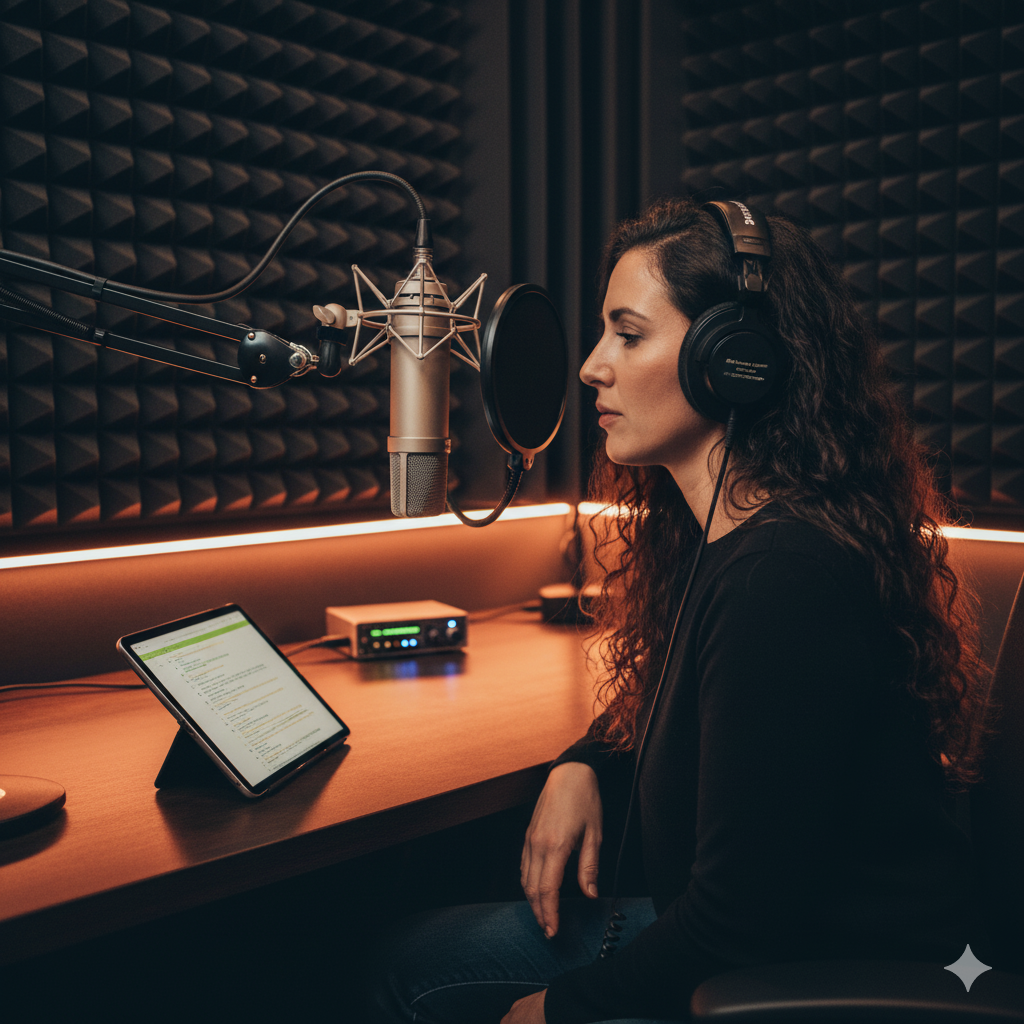
Audio Support for Voiceover Artists
Independent Studio Setup and Recording Workflow Support
Audio Support for Voiceover Artists
Independent Studio Setup and Recording Workflow Support
When your voice is your livelihood, technical issues can stop you in your tracks. Noise, latency, mic gain problems, or inconsistent sound quality can all lead to lost sessions and frustration.
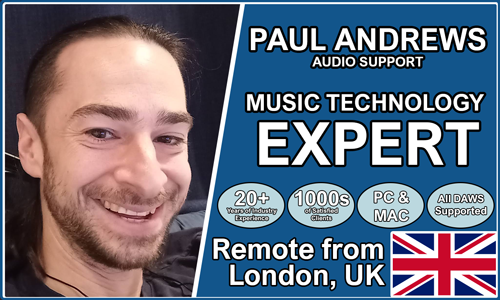
Audio Support provides professional, one-to-one help for voiceover artists who depend on clear, consistent, studio-grade sound. Founded by Paul Andrews, a technician and educator with over 15 years’ experience in audio production, the service specialises in helping performers and narrators set up reliable recording systems from home
From choosing and configuring your audio interface and microphone to tuning your DAW for clean, broadcast-ready sound, each session is efficient, practical, and tailored to your exact setup. You’ll not only get the problem fixed — you’ll gain the confidence to record without interruptions.
Audio Support is an independent service and is not affiliated with Apple, Adobe, or any other manufacturer.
Recent Problems Solved
Real client’s stories from the case study archive
Using Professional Studio Microphones with WhatsApp
12 December 2025

Client’s Question
How do I use my Focusrite interface and XLR mic with WhatsApp?
Session Result
WhatsApp Desktop app configured to route audio through Focusrite interface.
Read Full Case Study Report: Using Professional Studio Microphones with WhatsAppPro Tools Display Scaling Fix on Windows 10/11
23 November 2025
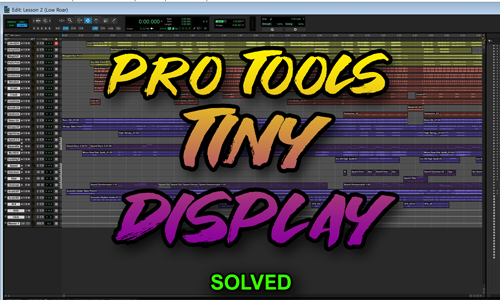
Client’s Question
Why is Pro Tools tiny on my new 4K monitor?
Session Result
Pro Tools display scaling fixed using Windows compatibility override.
Read Full Case Study Report: Pro Tools Display Scaling Fix on Windows 10/11Controlling Microphone Bleed in a Silent Disco Setup
3 November 2025

Client’s Question
How do I stop my headset mic picking up background noise during a group breathwork session?
Session Result
Microphone bleed eliminated, vocal effects added, system optimised.
Read Full Case Study Report: Controlling Microphone Bleed in a Silent Disco SetupRecent Reviews
Let’s Get Your System Running Smoothly.
No automated tickets, no waiting queues — just one-to-one help from an experienced music technology specialist. I’ll connect to your system remotely, identify the issue, and guide you through the fix.
