
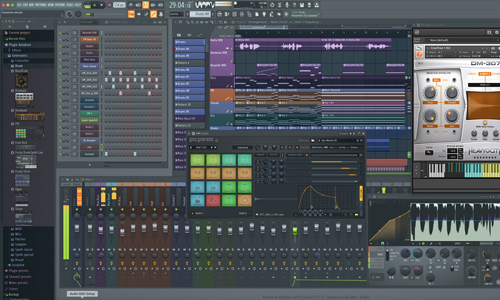
FL Studio Support
Independent Expert Help for Producers & Beatmakers
FL Studio Support
Independent Help for Windows & Mac Users
FL Studio is one of the world’s most popular music production platforms — but audio routing, plugin paths, or ASIO driver conflicts can quickly stop the creative flow.
I’m Paul Andrews from Audio Support, an independent FL Studio specialist who helps producers and artists fix recording, playback, and performance issues remotely. Whether you’re hearing crackles, facing “device in use” errors, or struggling to get your audio interface recognised, I’ll connect securely and get you running smoothly again.
While Image Line’s official support covers installation and licensing, I go further — diagnosing the entire production environment. From audio interface configuration and plugin scan management to MIDI controller setup and CPU optimisation, I make sure every part of your studio works together seamlessly.
Audio Support is an independent service for FL Studio users and is not affiliated with Image Line BVBA.
Recent Problems Solved
Real client’s stories from the case study archive
User Data is in the Cloud Warning in FL Studio
18 November 2024
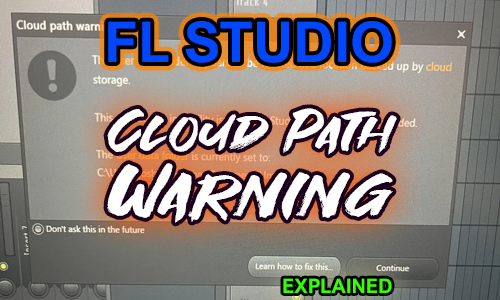
Client’s Question
Session Result
Read Full Case Study Report: User Data is in the Cloud Warning in FL StudioFL Studio Project missing samples imported from Splice – Solved
28 September 2023
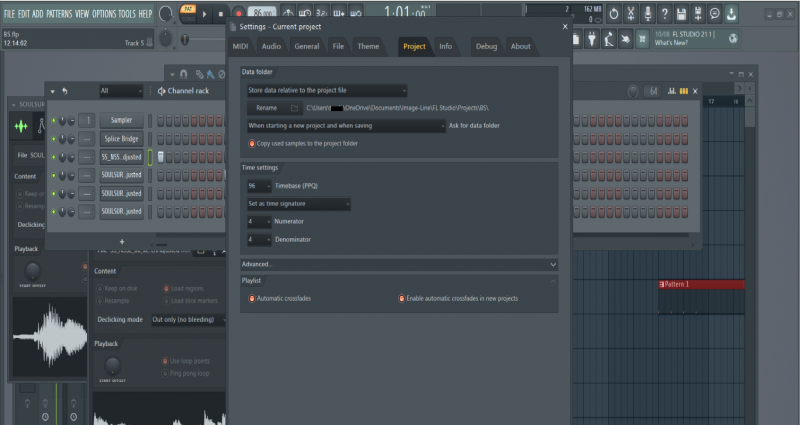
Client’s Question
Session Result
Read Full Case Study Report: FL Studio Project missing samples imported from Splice – SolvedRecent Reviews
Let’s Get Your System Running Smoothly.
No automated tickets, no waiting queues — just one-to-one help from an experienced music technology specialist. I’ll connect to your system remotely, identify the issue, and guide you through the fix.
