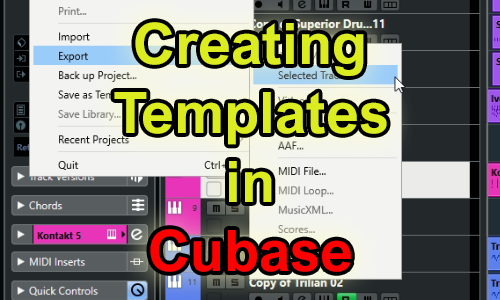
As part of a series of remote support lessons, I was asked about Cubase templates:
I want to build a Cubase template for my jazz compositions. I know exactly the VST instruments and effects I want to use, but they are on different Cubase projects. Is there any way I can bring those instruments into my new template?
The answer to this question is yes. It’s fairly simple using Cubase’s Track Export and Track Import functions.
From Cubase’s online manual:
You can export Cubase tracks (audio, FX, group, instrument, MIDI, and video) as track archives for import into other Cubase (or Nuendo) projects. All the information associated with the tracks will be exported (channel settings, automation tracks, parts and events, etc.). If you select the “Copy” option (see below), a separate “media” folder will be created, containing copies of all referenced audio files.
I went through the Export/Import process with my client. Firstly, I made sure everything was working by running through the process myself. Then we went through it again at a slower speed, with my client taking control and me explaining the steps.
I made sure my client was confident with the process and he was now able to start building his template for himself.
If you have any questions about using Cubase and would like to book remote support from a music technology expert, please get in touch.
ABOUT THE AUTHOR

PAUL ANDREWS
I’m the owner and lead technician for Audio Support, a small company based in London, UK that connects remotely with clients worldwide to help them with their music technology issues. I’ve run Audio Support since 2005 and in that time I’ve seen and solved thousands of recording studio problems.
Outside of Audio Support, I run music workshops at a local school, play bass in a 90s tribute function band and perform modular synth jams with friends on Twitch.
Get support for similar problems
Get in Touch
- Use WhatsApp, email or the form below to contact us.
- We will confirm if we can help.
- We will arrange a date and time for a remote support session and send a link for you to make payment.
- At the agreed time, our technician will connect via voice call and remote desktop to resolve the issue.
Find out more about how our services work.