Plug-ins are software applications that run inside a DAW such as Logic Pro, Cubase, Ableton or Pro Tools. They expand the range of sounds and effects available within the DAW.
Sometimes plug-ins can cause problems. For example:
- Installation errors
- Plugin not showing up within the DAW
- Causing the DAW to crash
- Licensing errors
Paul Andrews, the lead technician at Audio Support, is a Music Technology expert with over 20 years experience diagnosing and solving plug-in problems with any DAW on Windows or Mac.
Recent Problems Solved
Real client’s stories from the case study archive
Managing Native Instruments Komplete Libraries in Kontakt
12 December 2025

Client’s Question
How do I hide unwanted libraries in the Kontakt side pane?
Session Result
Unused libraries hidden, visual clutter removed.
Read Full Case Study Report: Managing Native Instruments Komplete Libraries in KontaktTroubleshooting Logic Pro Plugin GUIs on Sonoma
2 December 2025
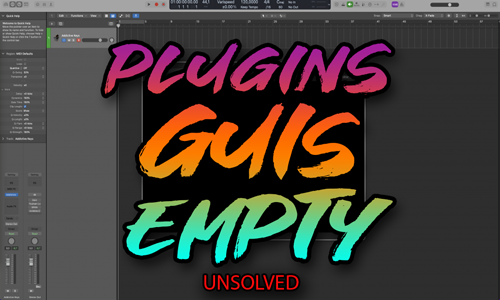
Client’s Question
Why are my Logic Pro plugins showing a black screen on Sonoma?
Session Result
Diagnosis complete, path for OS stability and developer reporting established.
Read Full Case Study Report: Troubleshooting Logic Pro Plugin GUIs on SonomaCubase Errors After Installing Sample Libraries in OneDrive
29 November 2025

Client’s Question
Why can’t Cubase load my Spitfire Audio libraries after using OneDrive?
Session Result
Sample libraries relocated off OneDrive to internal SSD; errors resolved.
Read Full Case Study Report: Cubase Errors After Installing Sample Libraries in OneDriveLet’s Get Your System Running Smoothly.
No automated tickets, no waiting queues — just one-to-one help from an experienced music technology specialist. I’ll connect to your system remotely, identify the issue, and guide you through the fix.
More Case Studies
Recent problems solved for real clients.
The Turkey Adventure Part 4
24 December 2025

The Turkey Adventure Part 3
24 December 2025

The Turkey Adventure Part 2
24 December 2025